Technology · architecture

From a physical product to its digital record.

A Digital Product Passport connects a physical product with its identity, documents and lifecycle information. A product identifier gives owners and other readers a direct path to that record.

Architecture

Identity, information and evidence.

A product identifier links a physical item with digital information. Documents and lifecycle events provide context, while evidence helps readers assess the record.

Beligent DPP architectureA physical product carries an NFC tag or QR code. The Beligent Scanner mobile app reads it and opens the passport from the Beligent DPP platform. The platform stores passport data, documents and history in the cloud. Optionally, selected files and metadata are also stored permanently on Arweave, and a fingerprint of each record is notarised on Ethereum or Polygon. The mobile app can also check the Arweave copy and the on-chain notarisation directly.scanopenstorenotarise01 · IdentityPhysical productNFC tag or QR codelinks the object toits digital passport02 · MobileBeligent ScannerReads the NFC tag or QR codeOpens and checks the passportDocuments and owner actions03 · PlatformBeligent DPPPassport data and documentsVertical extensions (Vivaldi)Public projection and APIIssuing and management04 · Data storageCloudPassport data, documentsand history stored in the cloudOptional · On-chain storageArweavePermanent copy of selectedfiles and metadataOptional · NotarisationOn-chain notarisationA fingerprint (hash) of each recordand a timestamp are anchored onEthereum or PolygonDashed: optional.Proofs can be checked on Etherscan or PolygonScan.Beligent DPP architectureA physical product carries an NFC tag or QR code. The Beligent Scanner mobile app reads it and opens the passport from the Beligent DPP platform. The platform stores passport data, documents and history in the cloud. Optionally, selected files and metadata are also stored permanently on Arweave, and a fingerprint of each record is notarised on Ethereum or Polygon. The mobile app can also check the Arweave copy and the on-chain notarisation directly.scanopen01 · IdentityPhysical productNFC tag or QR codelinks the object toits digital passport02 · MobileBeligent ScannerReads the NFC tag or QR codeOpens and checks the passportDocuments and owner actions03 · PlatformBeligent DPPPassport data and documentsVertical extensions (Vivaldi)Public projection and APIIssuing and management04 · Data storageCloudPassport data, documentsand history stored in the cloudOptional · On-chain storageArweavePermanent copy of selectedfiles and metadataOptional · NotarisationOn-chain notarisationA fingerprint (hash) of each recordand a timestamp are anchored onEthereum or PolygonDashed: optional.Proofs can be checked onEtherscan or PolygonScan.

The layers

Four layers, from the object to the proof.

Each layer connects the physical product with the details people need to understand, care for and pass on the item.

01 · Identity

Product identifier

A QR code, NFC tag or other identifier gives people a path from a physical item to its digital record.

02 · Access

Mobile and web views

A mobile or web experience presents selected product information and supporting documents.

03 · Record

Product information

A passport brings identity, maker details, documents and lifecycle events into a structured record.

04 · Evidence

Integrity checks

Issuer information, source documents and record-integrity checks help readers assess what a passport says.

The record

A structured story for each product.

Product identity, issuer details, documents and events give the record meaning for the people who make, maintain, own and resell the item.

  • Product identityA stable reference connects an item with its associated information.
  • Documents and historyCertificates, manuals, images and lifecycle events add context to the product record.
  • Domain detailA musical instrument and an electronic device need different attributes and care information.
  • Audience-specific informationBrands select useful details for owners, service teams, resellers and other readers.
  • Issuer and sourceAttribution and source information help readers understand who supplied each record.
  • Connected systemsProduct information can be related to systems used for commerce, service and operations.

The mobile app

Product information within reach.

A mobile view gives owners and other readers a direct way to reach information associated with a product. A scan can connect a physical identifier with the record it represents.

  • Read product identifiers
  • Review product information
  • Open supporting documents
  • Share information with owners
  • Follow service and care history
  • Keep product details close at hand

A product record can bring together

  • Open a linked product record
  • Review issuer and source details
  • Read certificates and documents
  • Explore provenance and history
  • Understand care and service information
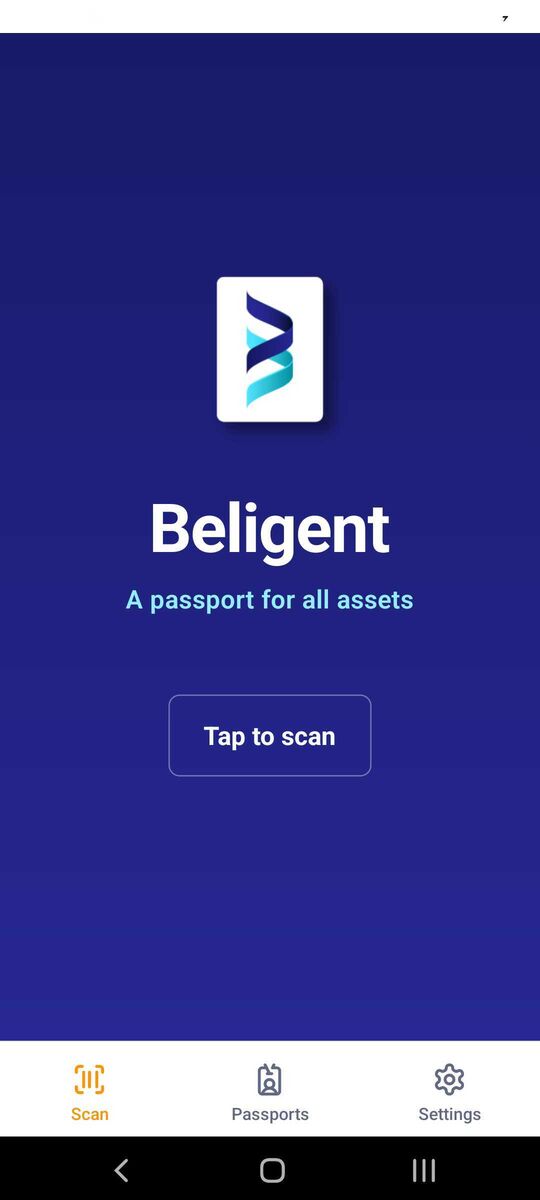
Beligent Scanner scan screen
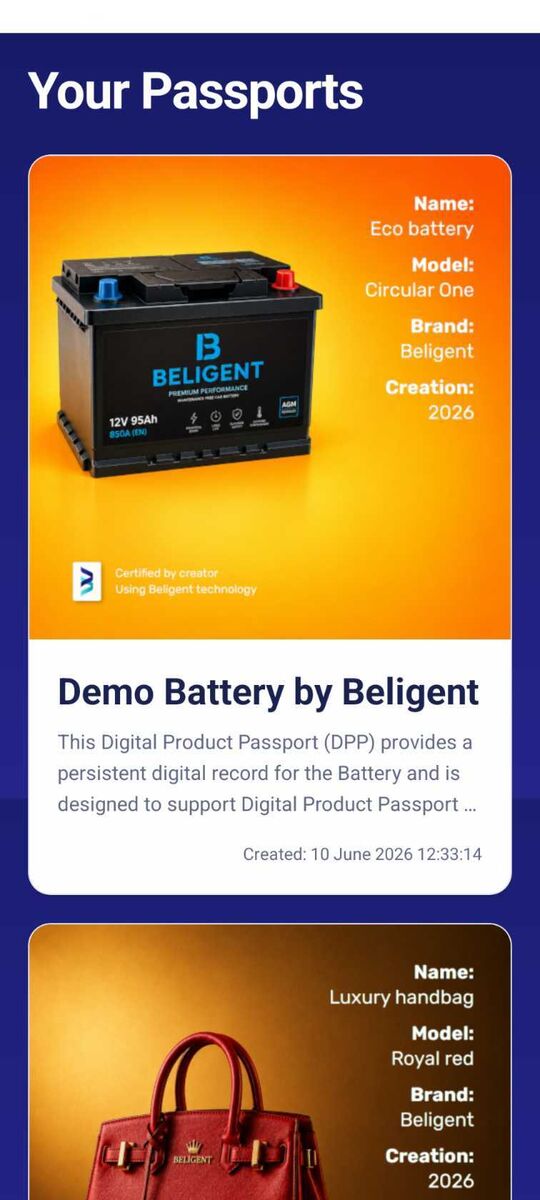
Digital Product Passports listed in the Beligent Scanner
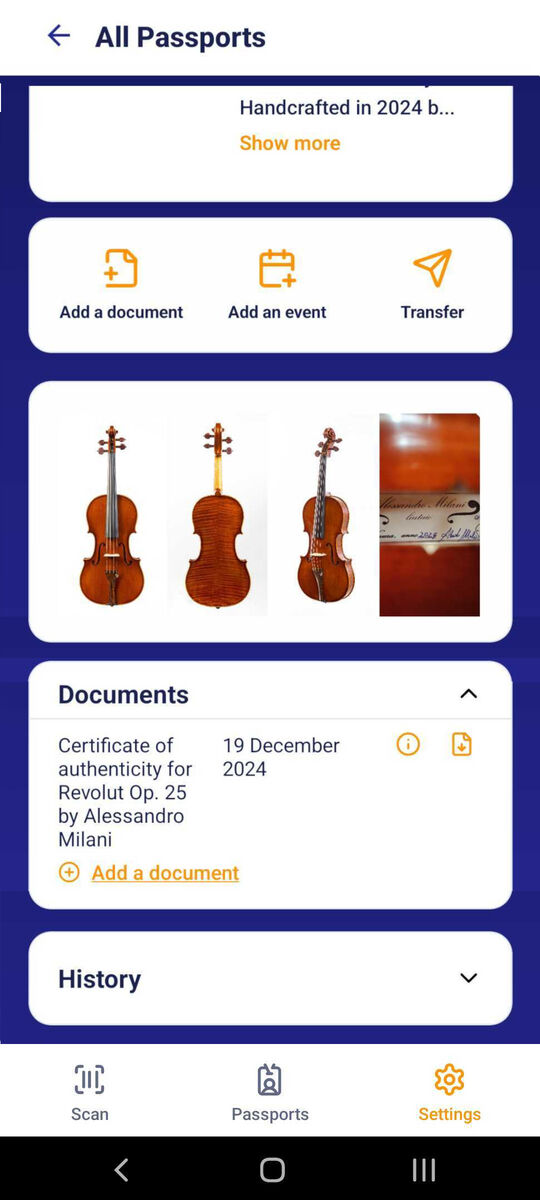
Passport details in the Beligent Scanner

Connected documents

Keep the right information with the product record.

A passport can connect product details with certificates, manuals, images and other supporting documents. Clear access choices help the brand share relevant information with each audience.

Product record

Identity, specifications, maker details and lifecycle events describe the item and its history.

  • Details that identify the product
  • Service and care information
  • Events across ownership and use

Supporting documents

Certificates, manuals, images and other files add detail to the product story and help readers understand its history.

  • Documents close to the product information
  • Source and issuer details for context
  • Selected information for each audience

Record integrity

Check whether a digital record has changed.

A cryptographic fingerprint can help compare a file with a recorded value. This check supports a review of file integrity; it does not establish that the product details are accurate or the item is genuine.

01

Create a fingerprint

A cryptographic hash represents a file or record without exposing its contents.

02

Record evidence

A trusted timestamp or ledger entry can associate the fingerprint with a point in time.

03

Compare

A reader can compute the file's fingerprint again and compare it with the recorded value.